
Why you need to download these before departure
Once you land in China, you cannot download most of these apps from Google Play or the Apple App Store without a VPN. The Chinese app stores (Huawei, Xiaomi, etc.) are in Chinese and often blocked without a local phone number. Airport WiFi requires SMS verification with a Chinese number. The solution: install everything at home, while you still have reliable internet.
This list covers the six apps that solve 90% of daily problems for a foreign traveler in China: paying for things, getting around, navigating, communicating, translating, and staying online. Download them all before your flight. They are all free.
1. Alipay — the payment app you cannot skip
Alipay is the default payment method across China. Street vendors, metro gates, restaurants, hotels, convenience stores — almost everywhere accepts Alipay via QR code. Foreigners can link an international Visa or Mastercard and pay by scanning the merchant’s QR code or showing their own payment code.
Setup before departure: download the app, register with your phone number, verify your identity by uploading a passport photo, and link your credit card. Verification can take 1-24 hours, so do this at least a day before flying. Read the full Alipay setup guide.
Common problems: some small vendors use personal QR codes that reject foreign cards — carry 300-500 RMB cash as backup. If Alipay declines your card, try WeChat Pay instead. Some banks block Ant Group transactions — call your bank before departure and authorize travel to China.
2. WeChat — payment backup and communication
WeChat is China’s everything app: messaging, social media, and payments in one. For travelers, the two useful functions are WeChat Pay (backup to Alipay) and the messaging feature (locals and hotel staff often prefer WeChat over email or WhatsApp).
Setup is similar to Alipay: download, register with phone number, verify passport, link a card. WeChat Pay sometimes works when Alipay does not, so set up both. Read the WeChat Pay setup guide.
3. Amap (Gaode Maps) — the navigation app that actually works in China
Google Maps technically works with a travel eSIM but is inaccurate for transit directions, business hours, and walking routes inside China. Amap (Gaode Maps) is the local alternative: real-time bus and metro arrivals, accurate walking directions, live traffic, and the correct exit numbers for metro stations.
The app is mostly in Chinese, but the map interface is visual enough to use without reading. Search for your destination in Chinese characters (copy from your hotel’s business card), and the route lines and icons are self-explanatory. Read the full Amap guide.
5. A translation app — your daily survival tool
Most Chinese people under 40 know some English words, but full conversations are rare outside international hotels and major tourist sites. A translation app bridges the gap at restaurants (point camera at menu → English text), at taxi stands (type English → show Chinese text to driver), and at train stations.
Google Translate works with a travel eSIM. Download the Chinese language pack for offline use before your flight. Microsoft Translator is a good alternative. Pleco is the best Chinese-English dictionary app if you want to look up individual characters or words.
6. An eSIM or VPN app — stay online from the moment you land
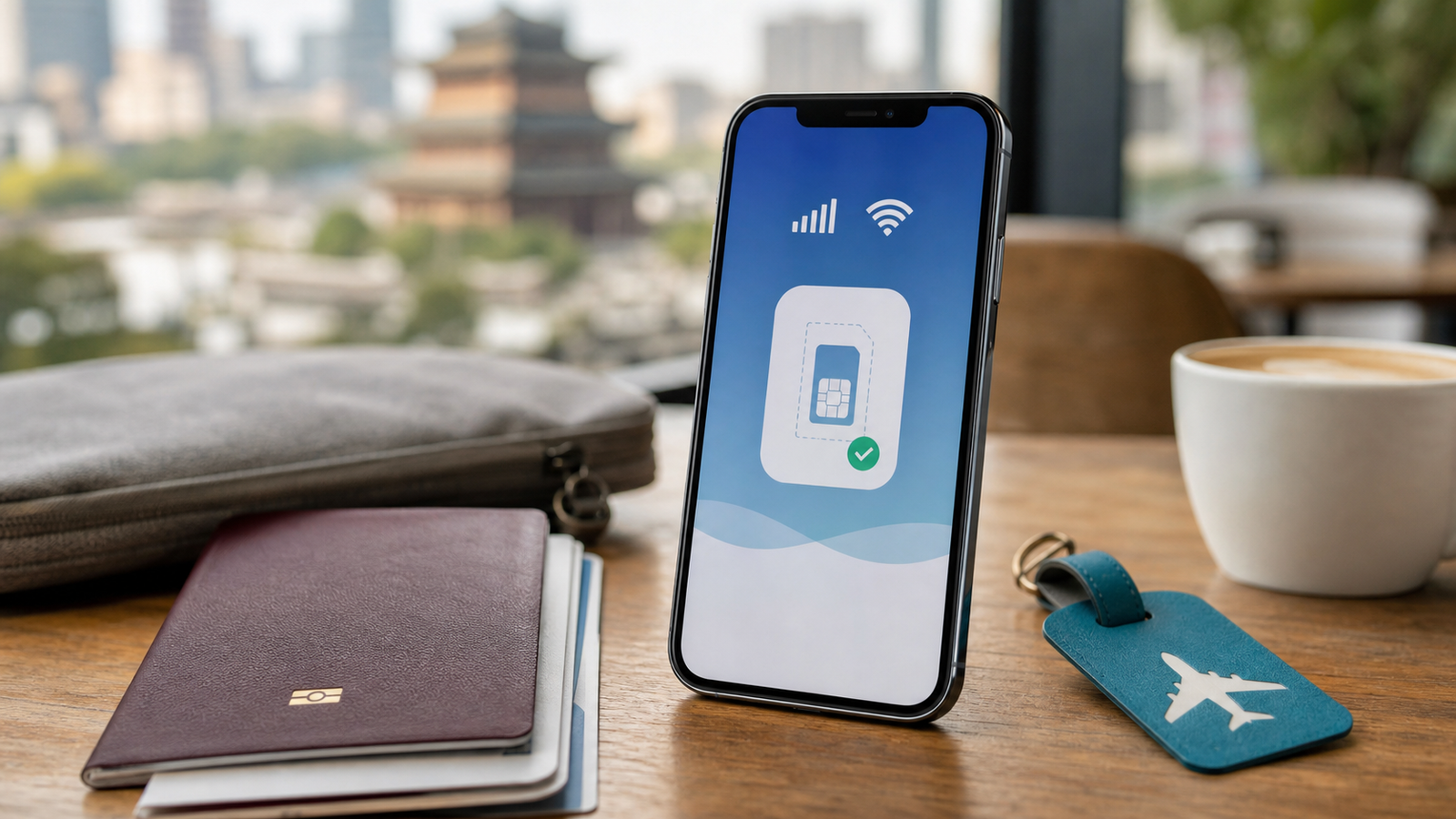
Without internet, none of the above apps work. Buy a China travel eSIM before departure and install the profile while you have home WiFi. Airalo has the easiest app for first-time eSIM users, Saily is $2-5 cheaper for the same network.
If you use a physical Chinese SIM instead, you need a VPN to access Google, WhatsApp, and Instagram. Install and test the VPN before departure — you cannot download VPN apps after landing. Read the VPN guide.
Summary checklist: download before your flight
| App | What it does | Setup time |
|---|---|---|
| Alipay | Pay for everything with QR code | 15 minutes + 1-24h verification |
| Backup payment + messaging | 10 minutes + verification | |
| Amap | Navigation and transit directions | 5 minutes, no account needed |
| Google Translate | Menu translation + conversation | 2 minutes, download offline pack |
| eSIM app | Internet from the moment you land | 5 minutes in-app purchase + install |
What you do NOT need to download
Skip Baidu Maps (you need a Chinese phone number to register). Skip Meituan and Ele.me food delivery apps (they require Chinese payment and phone verification). Skip Douyin (Chinese TikTok — fully in Chinese, no English interface). Skip 12306 unless your trip is more than two weeks away and you have time for passport verification.
Recommended Tools Before You Fly
Airalo China eSIM
Internet from landing
- Install before departure
- Useful for maps and payment apps
- Simple first-trip setup

Saily China eSIM
Budget data option
- Good value data option
- Useful for travel apps
- Backup to hotel Wi-Fi

Klook
Tickets and tours
- English-friendly booking flow
- Useful for attraction planning
- Good backup for activities